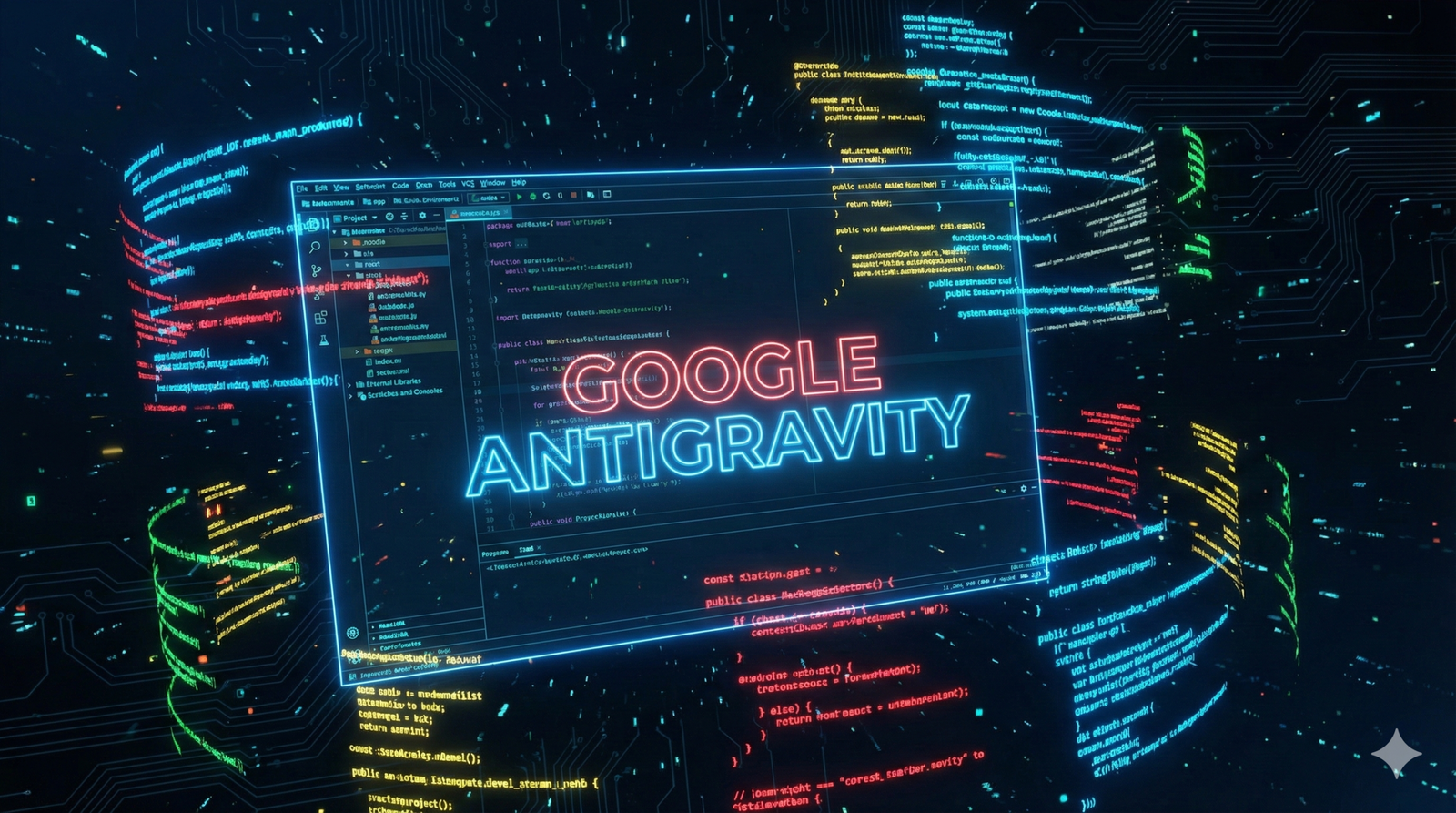
Just when we thought AI coding assistants like GitHub Copilot were the peak, Google Antigravity has arrived to change the game entirely.
If you are a developer or just a tech enthusiast, you need to pay attention. This isn’t just an autocomplete tool; it is a completely new way to build software where “Agents” do the heavy lifting.
In this first-look review, we explore why Google Antigravity is breaking the internet and whether it is truly the “VS Code Killer” everyone is talking about.
Quick Verdict: Is It Worth the Hype?
Quick Verdict: Yes. Google Antigravity is essentially a wrapper around the powerful Gemini 3 Pro model, designed specifically for coding. It allows you to run autonomous agents that can edit files, run terminals, and even browse the web to fix bugs. It feels like magic.
H2: What is Google Antigravity?
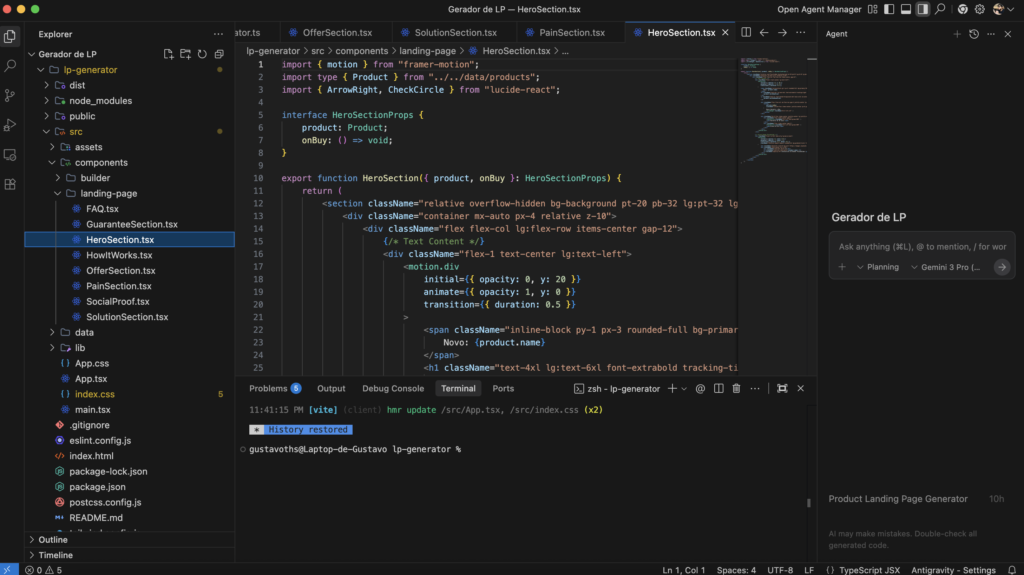
Unlike the classic “easter egg” with the same name that made search results float, the 2026 Google Antigravity is a serious AI-powered Integrated Development Environment (IDE).
Think of it as VS Code on steroids. Instead of you typing every line of code, you act as a “Manager.” You tell the Google Antigravity agents what to build (e.g., “Create a snake game in Python”), and they plan, write, and test the code autonomously.
Key Features That Feel Illegal
Google Antigravity comes packed with features that make traditional coding feel outdated.
1. Agent-First Architecture
This is the core difference. In Google Antigravity, you don’t just chat with a bot; you assign tasks to agents. These agents have “autonomy,” meaning they can create files, delete bugs, and run commands without you holding their hand every step.
2. Cross-Surface Control
Most AI tools are stuck inside a chat window. Google Antigravity agents can control your editor, your terminal, and even your browser. If an error pops up, the agent can “see” it and fix it automatically.
3. Powered by Gemini 3 Pro
Under the hood, Google Antigravity uses Google’s newest and most powerful model, Gemini 3. This gives it a massive context window, allowing it to understand your entire project at once, not just the file you have open.
How to Download Google Antigravity
Getting started is surprisingly easy, but it is currently in “Preview” mode.
- Download: Go to the official Google Antigravity website and download the installer for your OS (Windows, Mac, or Linux).
- Sign In: You need a personal Gmail account to access the free preview quota.
- Setup: The installer allows you to import your settings from VS Code, so you don’t lose your favorite themes or extensions.
💡 Pro Tip for Developers: Building your app with Google Antigravity is only step one. You still need to launch it.
Google Antigravity vs. Cursor vs. Windsurf
The battle for the best AI IDE is heating up.
- Choose Cursor if: You want a stable, production-ready tool that feels exactly like VS Code.
- Choose Google Antigravity if: You want to experiment with the future. The “Autonomous Agents” feature is ahead of Cursor, but the software is still in preview and might have bugs.
Pros and Cons
✅ PROS:
- Google Antigravity agents are truly autonomous.
- Free preview tier for personal Gmail accounts.
- Deep integration with Google’s Gemini 3 ecosystem.
- Can import VS Code extensions easily.
❌ CONS:
- Still in “Preview,” so expect some crashes.
- The autonomous agents can sometimes delete code you wanted to keep (always use Git!).
FAQ about Google Antigravity
Is Google Antigravity free? Currently, yes. During the preview phase, Google Antigravity is free for individuals with a personal Gmail account. Pricing for enterprise teams will likely be announced later.
Is this related to the “Gravity” easter egg? No. The famous “Google Gravity” trick by Mr. Doob is a fun web experiment. This Google Antigravity is a professional software development tool.
Can I use it on Windows? Yes, Google Antigravity is available for macOS, Linux, and Windows.
Final Verdict
We haven’t seen a leap in coding productivity this big since Copilot launched. Google Antigravity shifts the paradigm from “writing code” to “managing code.”
If you want to stay ahead of the curve in 2026, you need to download Google Antigravity today and start playing with agents. It is not just a tool; it is your new junior developer.
Have you tried the new Google Antigravity yet? Let us know in the comments if it’s better than Cursor!